Window Moza
## A small room that changes with real time
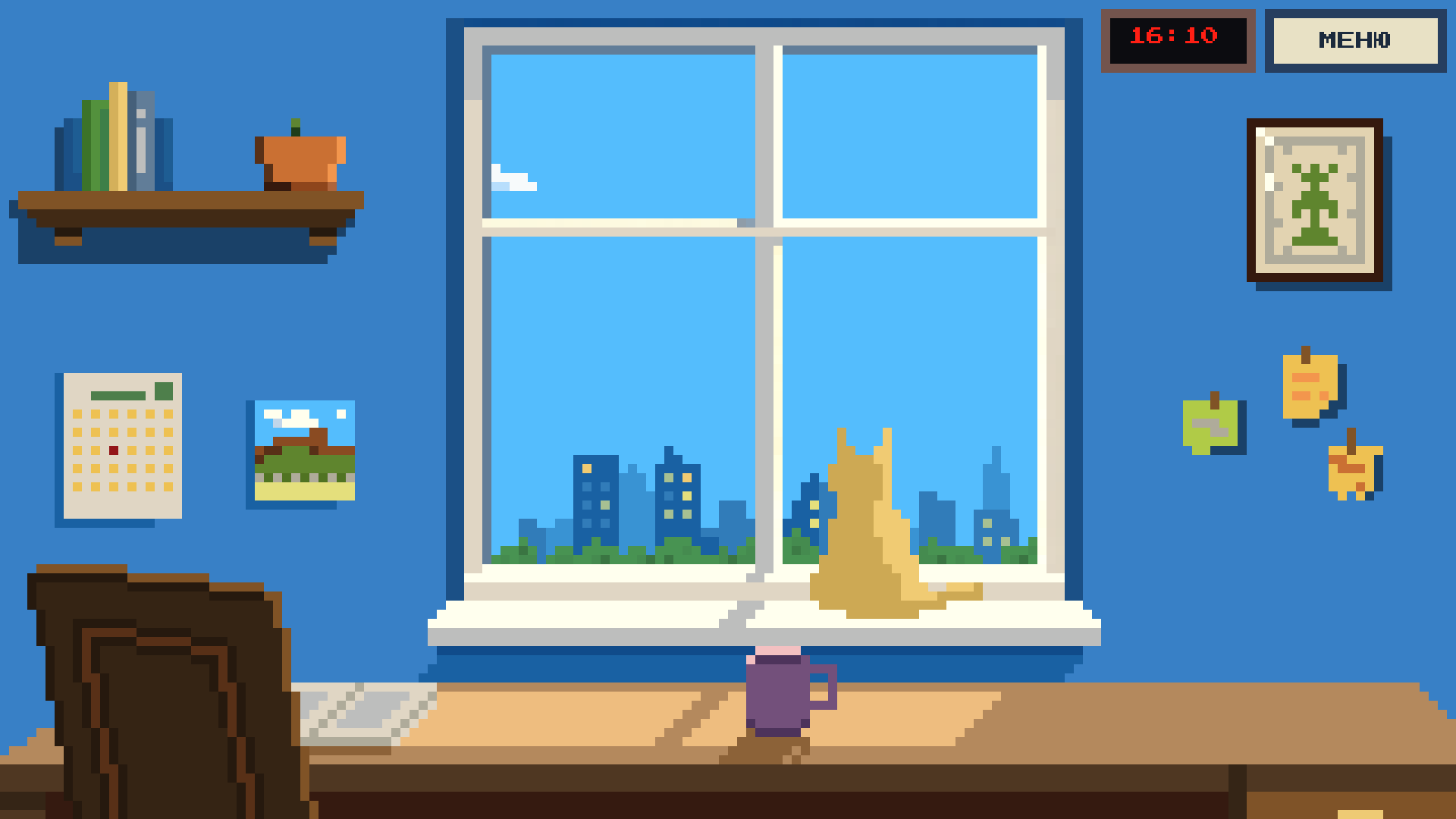
Window Moza is a calm pixel game about caring for a houseplant and observing small everyday changes.
Water your plant, watch it grow, and return later to see what has changed in the room and outside the window.
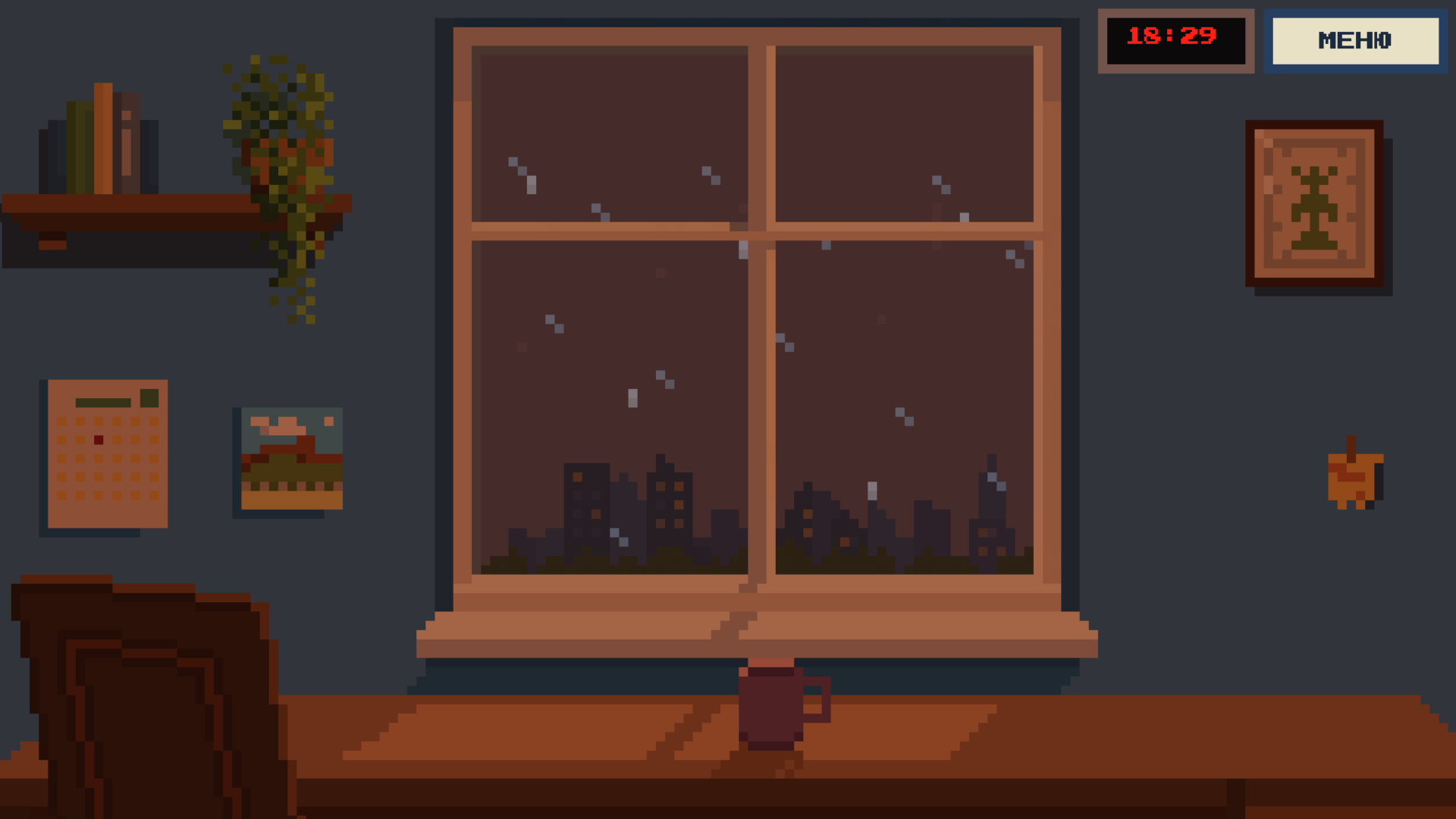
The game follows the real calendar. Time of day, weather, seasons, decorations, and small events gradually change. The plant develops over time and can take on new forms.
## Features
- Plant growth based on the real calendar
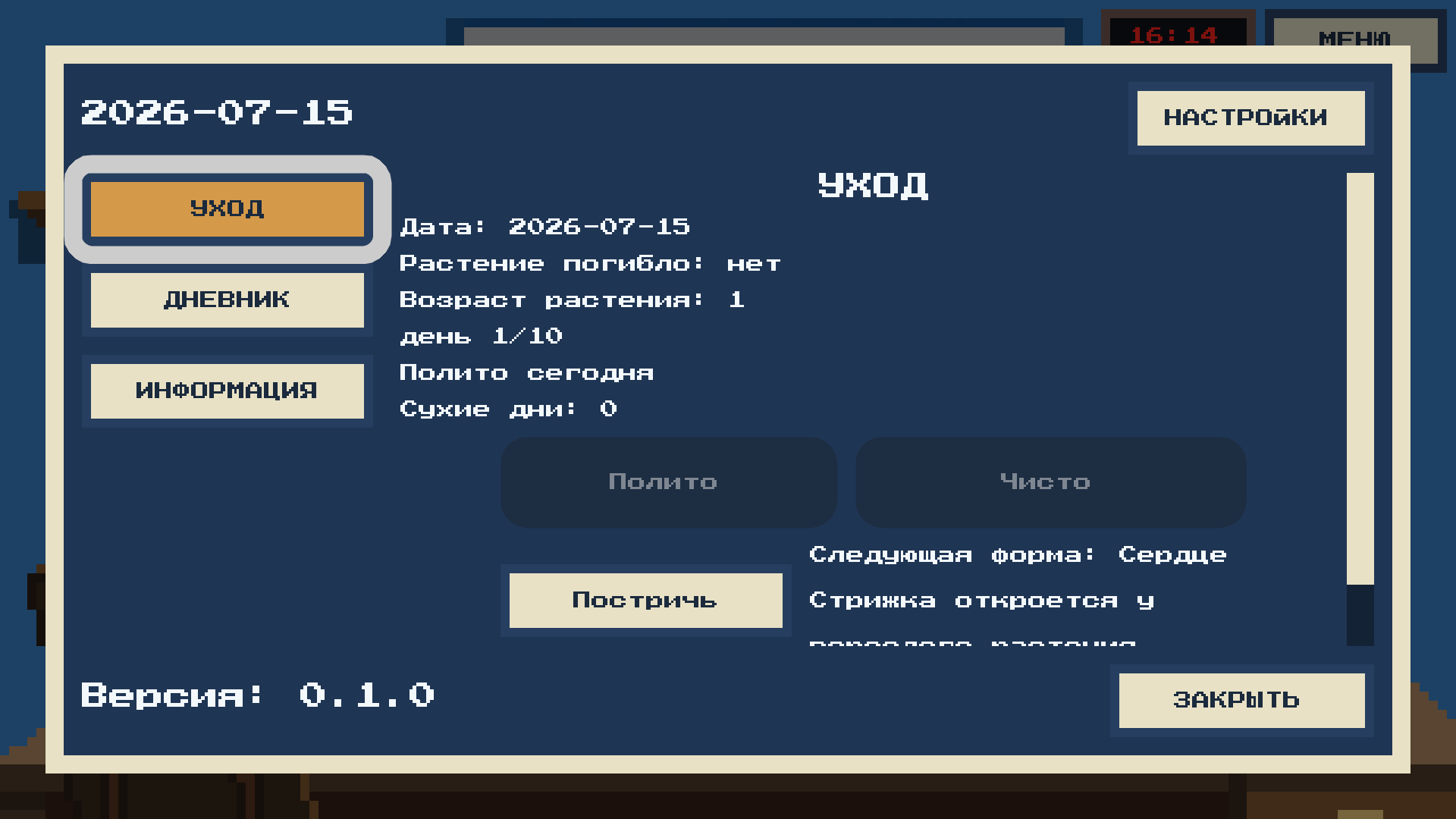
- Simple watering and care mechanics
- Changing time of day, weather, and seasons
- Small events and details in the room
- Different stages and forms of the plant
- Local save system
- Mouse and touchscreen controls
- English, Russian, Spanish, and Turkish languages
- Browser, Windows, Linux, and Android versions
Window Moza is designed for short, relaxing visits. Check the plant, notice what has changed, and continue with your day.
## Controls
- Mouse or touchscreen — interact with the room and menus
- Fullscreen mode is available in Settings
- Desktop versions can be closed using the window close button or Alt+F4
## Русский
«Окно Моза» — спокойная пиксельная игра о заботе, наблюдении и небольших ежедневных изменениях.
У тебя появляется собственное комнатное растение. Поливай его, наблюдай за ростом и возвращайся позже, чтобы увидеть, что изменилось в комнате и за окном.
Игра следует реальному календарю. Постепенно меняются время суток, погода, сезоны, украшения и небольшие события. Растение развивается и принимает новые формы.
Игра не требует много времени. Достаточно ненадолго заглянуть в комнату, проверить растение и продолжить свои дела.
## Version
Version 0.1.0
## Developer
Developed by MozaGame.
Official website:
https://mozagame.ru/window-moza.html
Play and download:
https://mozagame.ru/window-moza.html#download
YouTube:
https://www.youtube.com/@MozaGamePlay
VK:
Download
Install instructions
Browser:
Press “Run game” to play directly in your browser.
Windows:
Download and extract the ZIP archive, then launch WindowMoza.exe.
Windows may display a security warning because the executable does not have a commercial code-signing certificate.
Linux:
Download and extract the archive. Allow the .x86_64 file to run as a program, then launch it.
Android:
Download the APK and open it on your Android device. Your device may ask you to allow installation from your browser or file manager.
Support:
mozagame@mail.ru
Development log
- Window Moza 0.1.0 is now available9 days ago
Leave a comment
Log in with itch.io to leave a comment.